CueSlateLocal rehearsal timer
Stage run sheet
Practice short talks without accounts or recording.
CueSlate keeps cue sets and rehearsal history on your iPhone, with a focused stage timer for moving through each cue at the right moment.
No account
Open the app and rehearse locally.
No recording
No microphone access is requested.
Backup ready
Copy JSON only when you choose.
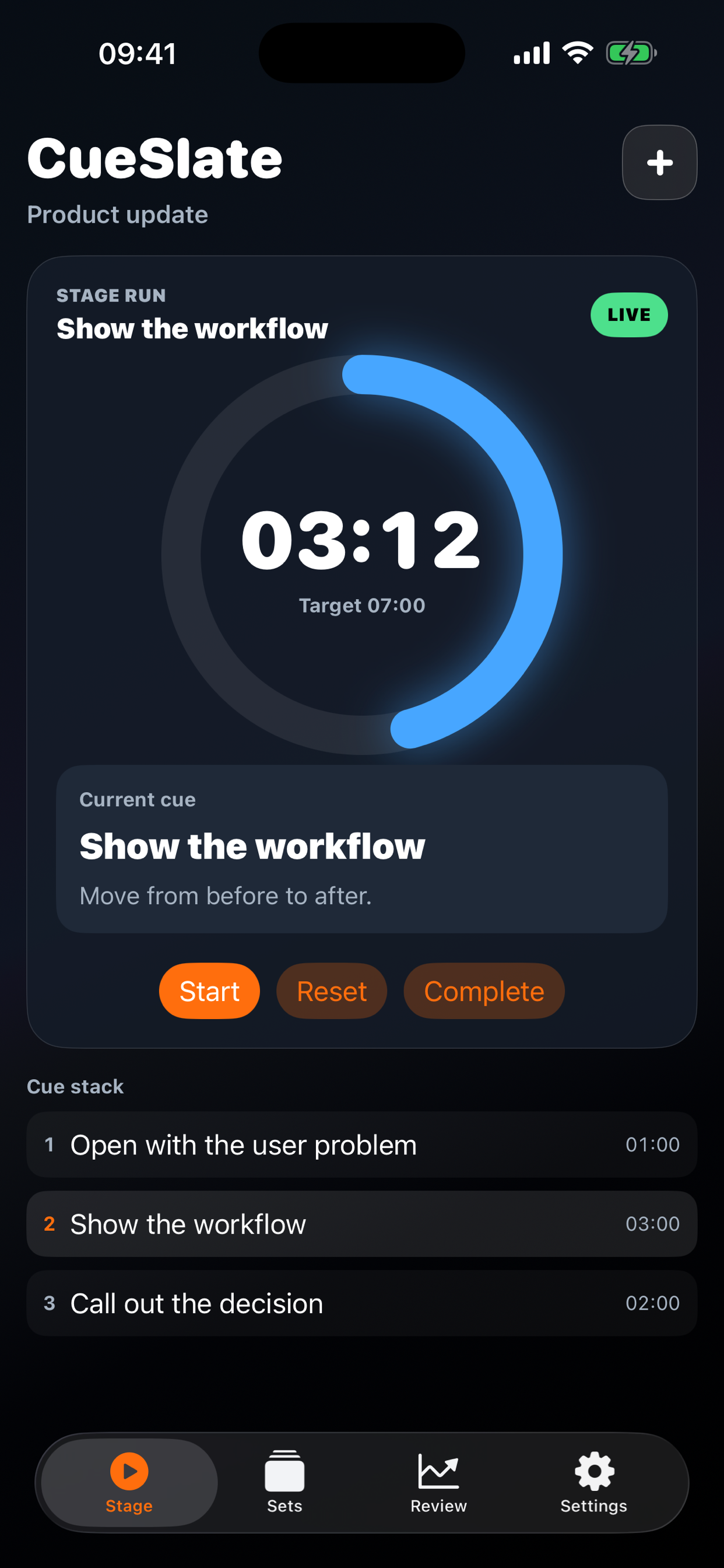
Built for the rehearsal moment
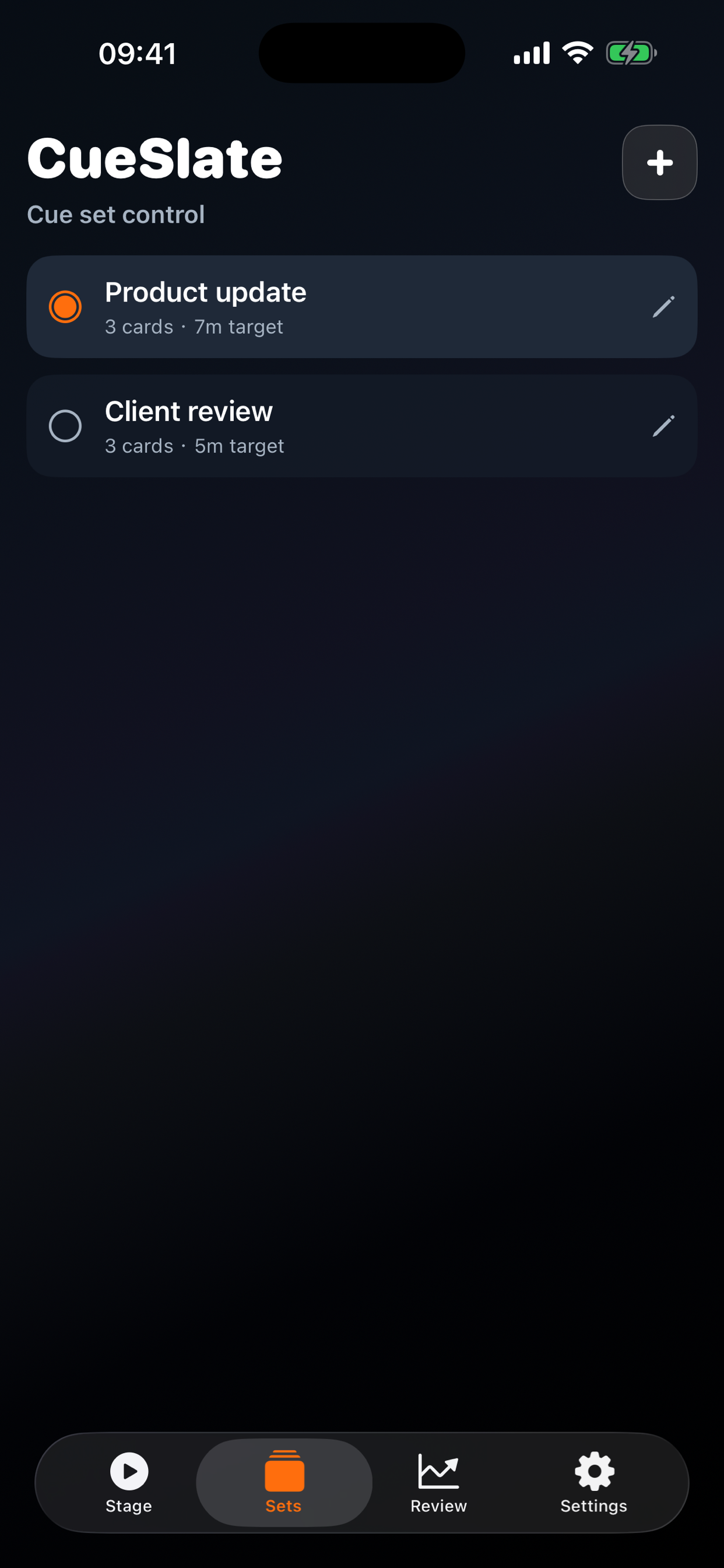
- Create cue sets for talks, lessons, demos, and updates.
- Use the Stage screen to watch the timer and current cue together.
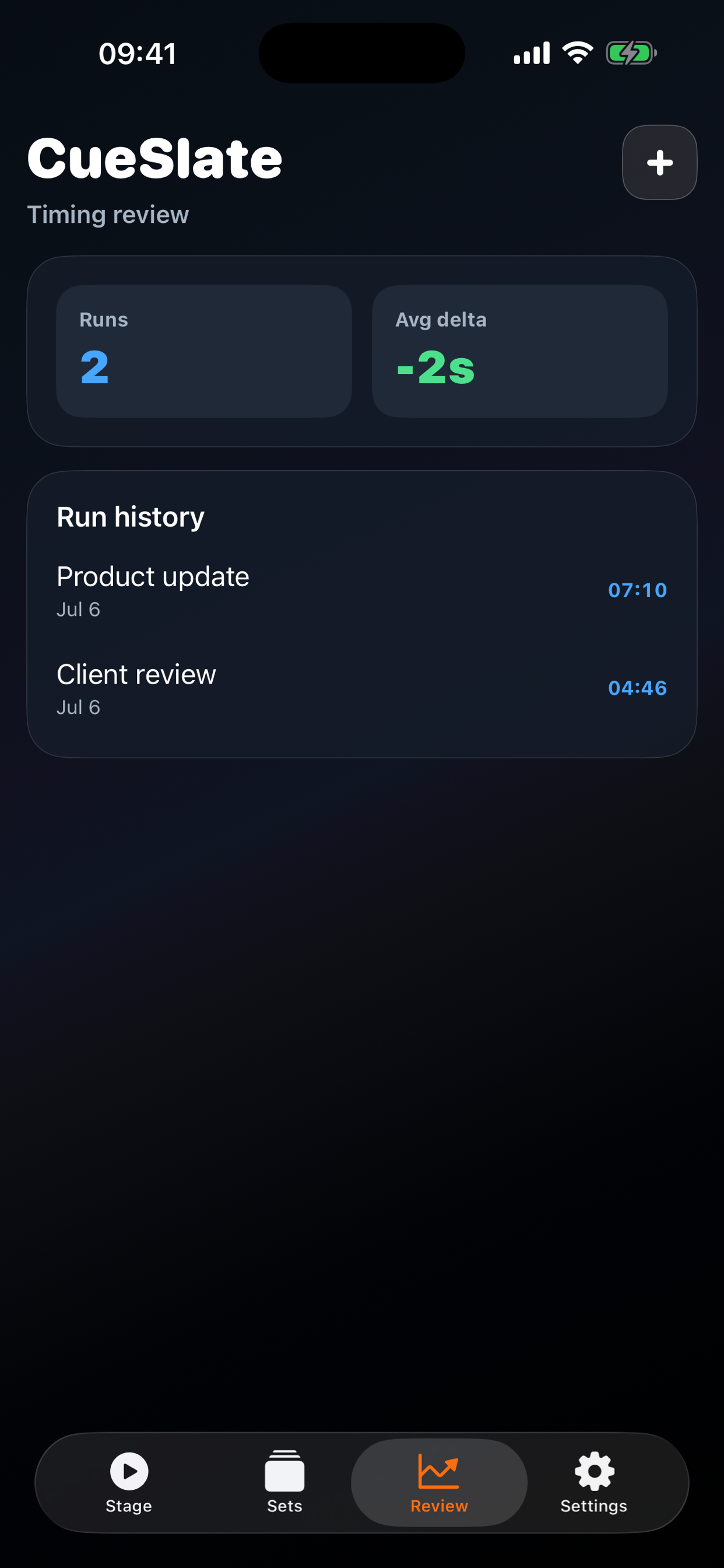
- Complete a run to save local timing history.
- Review timing delta before the next practice run.
Contact Support
Email sjz925@outlook.com. Include CueSlate, your iOS version, device model, and a short description of the issue.
App Details
Version
1.0.0
1.0.0
Platform
iPhone
iPhone
Category
Productivity
Productivity
Storage
On device
On device
Screen Flow
Privacy Summary
Cue sets and rehearsal runs stay on your device. CueSlate does not create accounts, record audio, upload cue content, or track you for advertising.
Frequently Asked Questions
- Does CueSlate require an account? No account is required.
- Where is rehearsal data stored? It is stored locally on the device.
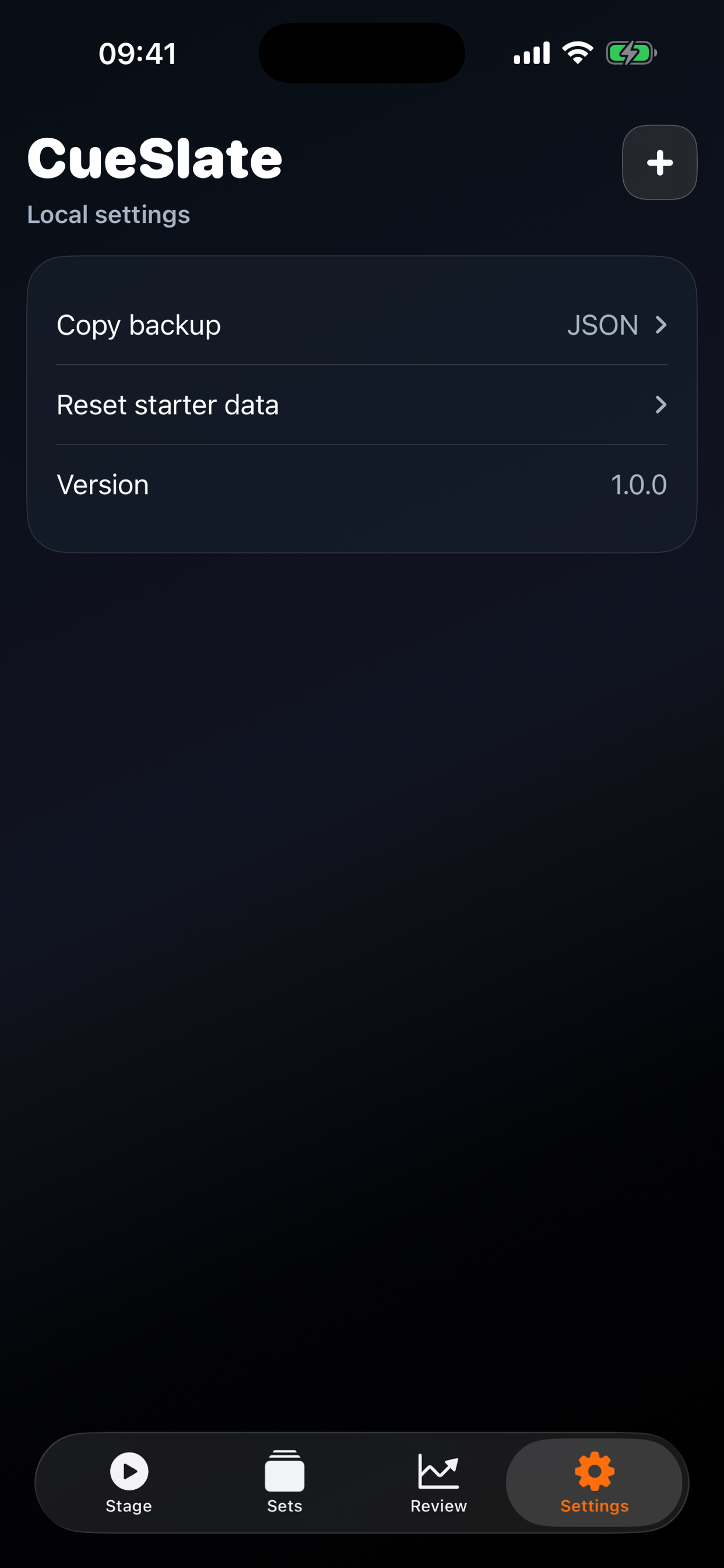
- Can I back up my data? Use Copy backup in Settings to copy JSON.
- Can I reset sample content? Use Reset starter data in Settings.
Troubleshooting
- If cue timing feels off, edit the set and adjust target minutes or cue text.
- If a cue title is missing, edit the set and place each cue on its own line.
- If history is no longer useful, reset starter data from Settings.